


How to Set Up Garmin Connect for AI-Powered Fitness Coaching
Five-minute setup to stream Garmin sleep, HRV, and resting heart rate into your Legacy In Motion AI coach so training adapts daily.
Sarah is 38. ED night-shift RN, single mom of two. Three twelves and four "off" days, most of which are not.
She rolled off the floor at 7:14 a.m. — after a fall that turned into a code, a hand-off that didn't, a charting block that ate the last thirty minutes she was supposed to be asleep for by now. Two kids. Soccer at four.
Her old training app didn't care. It pinged her at nine — "5x5 back squat, RPE 8."
She almost threw the phone.
Related Read
7 Day Free Fitness Coach Trial vs the Labor Day Gym ContractGyms want a signature before Monday. A 7 day free fitness coach trial tests 24/7 coaching that remembers your night shift.
TL;DR - Garmin Connect feeds sleep, HRV, resting heart rate, and training load to the LIM AI coach in real time. - Setup is four steps and about five minutes. - The handshake email is legacyinmotionfit@gmail.com. - After connection, Chiron rewrites tomorrow's session the moment the watch logs a bad night. - No Garmin? Apple Watch, Whoop, Fitbit, and manual logging all work too.
The Watch Is The Missing Translator
Cookie-cutter plans are written by people who sleep at night.
They assume eight hours, three meals, a Tuesday-Thursday-Saturday split. They have no idea Sarah took a fall at 4 a.m. that turned into a thirty-minute write-up — or that her resting heart rate has been creeping for nine straight days.
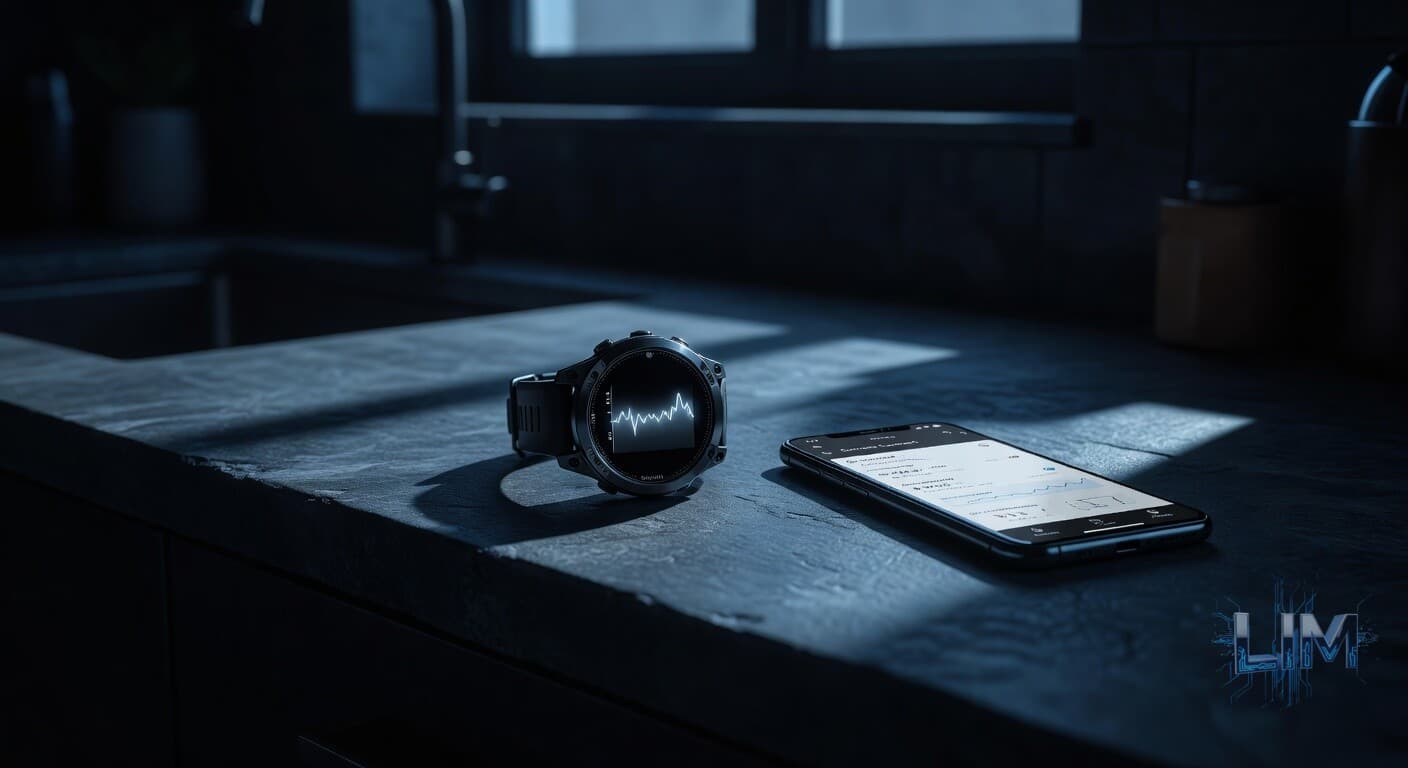
A wrist-based device closes that gap. The watch's job is to translate Sarah's nervous system into numbers an AI coach can read — sleep, HRV, RHR, training load, every one of them streaming.
That is the whole game.
Step 1 and 2: App + Account
Grab Garmin Connect. iPhone people pull it from the App Store. Android people grab it from Google Play. Free.
Open it. Tap Create Account. Email and password and you're in.
Already have a Garmin login from an old device? Sign in with the same credentials. Years of history come with you.
One ask: use the same email you registered with Legacy In Motion. It saves the back end an hour of detective work.
Step 3: Pair the Device
If you own a Garmin watch, ring, or bike computer:
- Bluetooth on.
- Tap Devices (the little watch icon).
- Add Device.
- Pick your model from the list.
- Follow the on-screen prompts.
Two minutes. The device starts streaming heart rate, sleep, HRV, and activity automatically.
No Garmin? Workouts, weigh-ins, and sleep log manually inside the app. Apple Watch, Whoop, and Fitbit integrate on our side. Tell the coach what you're wearing and we route it.
Shopping for entry-level hardware? The Garmin Venu Sq 2 and Forerunner 55 cover everything we need: HR, HRV, sleep stages, and activity. You do not need the $900 multisport watch. The basics work.
Step 4: The Handshake
This is the step most people skip and then wonder why nothing's syncing.
Inside Garmin Connect:
- Tap More (bottom-right).
- Connections.
- The "+" icon, or Add Connection.
- Search and invite: legacyinmotionfit@gmail.com.
- Send.
Done. Within a few hours we accept on the back end and the data lights up the coaching dashboard.
You don't have to push anything. You don't have to remember to sync. Wear the watch, live your life, and the numbers do the talking.
What Your Coach Actually Sees
Once the firehose is open, here is what runs through it daily.
Sleep stages and duration. Deep, light, REM, total. Four hours after a rough rotation — and tomorrow's program backs off before the app opens. This is the pattern Chiron, our AI head coach, flags in the daily program review.
Resting heart rate trend. A creeping RHR over a week is one of the earliest tells of overtraining — or brewing illness, or stress accumulation. The coach watches the trend — not the daily blip — and dials volume accordingly.
Heart rate variability. HRV is the closest thing we have to a readiness gauge. Higher means the parasympathetic system is online — the lift can push. Lower means deload day — no matter what the calendar says.
Daily activity and steps. A 12-hour shift on your feet is not "rest day." The coach factors total energy expenditure into recovery needs and caloric targets — so the math doesn't leave you under-fed and over-cooked.
Training load. Garmin's acute-versus-chronic load tally tells us whether the trend is productive overreach — or a faceplant inbound.
The daily AI program update worker rewrites the week the moment the watch logs an off night. Nobody has to ask — it already knows.
Why Shift Workers Win Here
Standard programs assume the textbook circadian rhythm. Sarah does not have one.
Cortisol shifted. Melatonin scrambled. Recovery windows that do not line up with anything Men's Health ever printed. Run a generic plan into that — and the result is either under-recovering, or overtraining. Usually both.
When the data streams in live, the math changes. A program that ignores last night's sleep isn't a program. It's a wish list.
Jake ran a version of this loop himself when he dropped 112 pounds working hospital security graveyard shifts. The watch on his wrist is what made the difference between guessing and knowing.
That is the LIM loop. You sleep, the watch records, the worker rewrites, Chiron sends the morning brief. Behind that, HERMES scrapes 12,000 fitness papers a week so the framework stays current the moment new evidence lands.
You can't out-spreadsheet a body that is actually breaking down. You can listen to it.
Troubleshooting
Won't pair. Bluetooth on, device in pairing mode, restart both. If still nothing, update Garmin firmware first.
Sent the request, nothing happened. Give us 24 hours. If it's longer, ping your coach or email legacyinmotionfit@gmail.com.
Data not syncing. Pull down inside Garmin Connect to force-sync. Keep the device nearby with Bluetooth active. Last resort: unpair and re-pair.
Can't find Connections. Update the app. It lives under More → Connections on every recent version.
Ready
Already a client? Send the connection request tonight. By tomorrow's session the program will already know what kind of week Sarah — or you — just had.
Not a client yet? Walk through what training built around a real shift looks like at legacyinmotion.fit.
---
Coaching that works the same shifts you do
This is what Chiron, our AI head coach, does on every meal and workout you log: catches the small wrong detail before it costs you years. HERMES — our research engine — surfaces new science the morning it publishes, so your coaching moves with the literature instead of trailing it by quarters. You log; we adapt your plan that day. No PDF reprints, no static plan that ages out the day your shift changes or you have a kid.
$29.99/month · $249.99/year · 7-day free trial · cancel anytime · no enrollment fee · no contract
Start coaching → · See the full app →
Jake Long built it after losing 112 lbs working hospital night shifts — when no human coach could keep up with his schedule. He wanted the system he wished he'd had at 308. Now you can use it too.
The Questions Readers Ask Most
What email do I invite to connect Garmin to Legacy In Motion?
Inside Garmin Connect, tap More, then Connections, then the plus icon, and invite legacyinmotionfit@gmail.com. Use the same email you registered with LIM so the back end can match your account in minutes instead of an hour of detective work.
Do I need an expensive Garmin watch for AI coaching?
No. The Garmin Venu Sq 2 and Forerunner 55 cover everything LIM needs: heart rate, HRV, sleep stages, and activity. You do not need the 900 dollar multisport watch for Chiron to read your nervous system.
What happens if my Garmin shows a bad night of sleep?
Chiron rewrites tomorrow's session the moment your watch logs it. If you got four hours after a rough shift, the program backs off before you even open the app, and a creeping resting heart rate over a week triggers a volume cut as an early overtraining tell.
Comments (0)
Comments are reserved for Legacy In Motion members.
$29.99/month. No contracts. Cancel anytime.
Get StartedAlready a member? Sign in
You read this far. Now do this.
Enough reading about it.
Time to train around the life you actually live.
I went from 308 to 196 lbs working 12-hour overnight shifts with two kids and zero personal trainer. The system I used is now an app that plans your training and meals around YOUR schedule — overnight, day shift, all of it.
Cancel anytime · No setup fee · No long contract
Free Assessment
Where's Your Training Stuck?
Take our 60-second quiz and get a personalized breakdown of what's stopping your progress — plus how AI coaching solves it.
Take the QuizFree PDF · No Credit Card
Grab the Shift Worker AI Fitness Blueprint
The protocol Jake wishes he'd had at 308 lbs: sleep timing for rotating shifts, post-shift macros, and the AI deload trigger, from the run that took him to 196. Free, no card needed.
Built by someone who actually worked them. No fluff. Unsubscribe any time.
Keep Reading
2026-09-03
7 Day Free Fitness Coach Trial vs the Labor Day Gym Contract
Gyms want a signature before Monday. A 7 day free fitness coach trial tests 24/7 coaching that remembers your night shift.
2026-08-27
AI Fitness Coach Monthly Cost vs a Sioux Falls Trainer After a Six-On
AI fitness coach monthly cost vs a Sioux Falls trainer after nights. You pay for sessions that happen, not the 7 a.m. slot you sleep through.
2026-08-03
AI Fitness Coach vs In-Person Trainer Cost for Men Over 35
AI fitness coach monthly cost ($20–$50) vs $200–$400 trainers for shift-working men 35+ — memory, adaptation, and what you actually buy.
Join our free fitness community — get coaching tips, share wins, and stay accountable.
JOIN THE DISCORD →